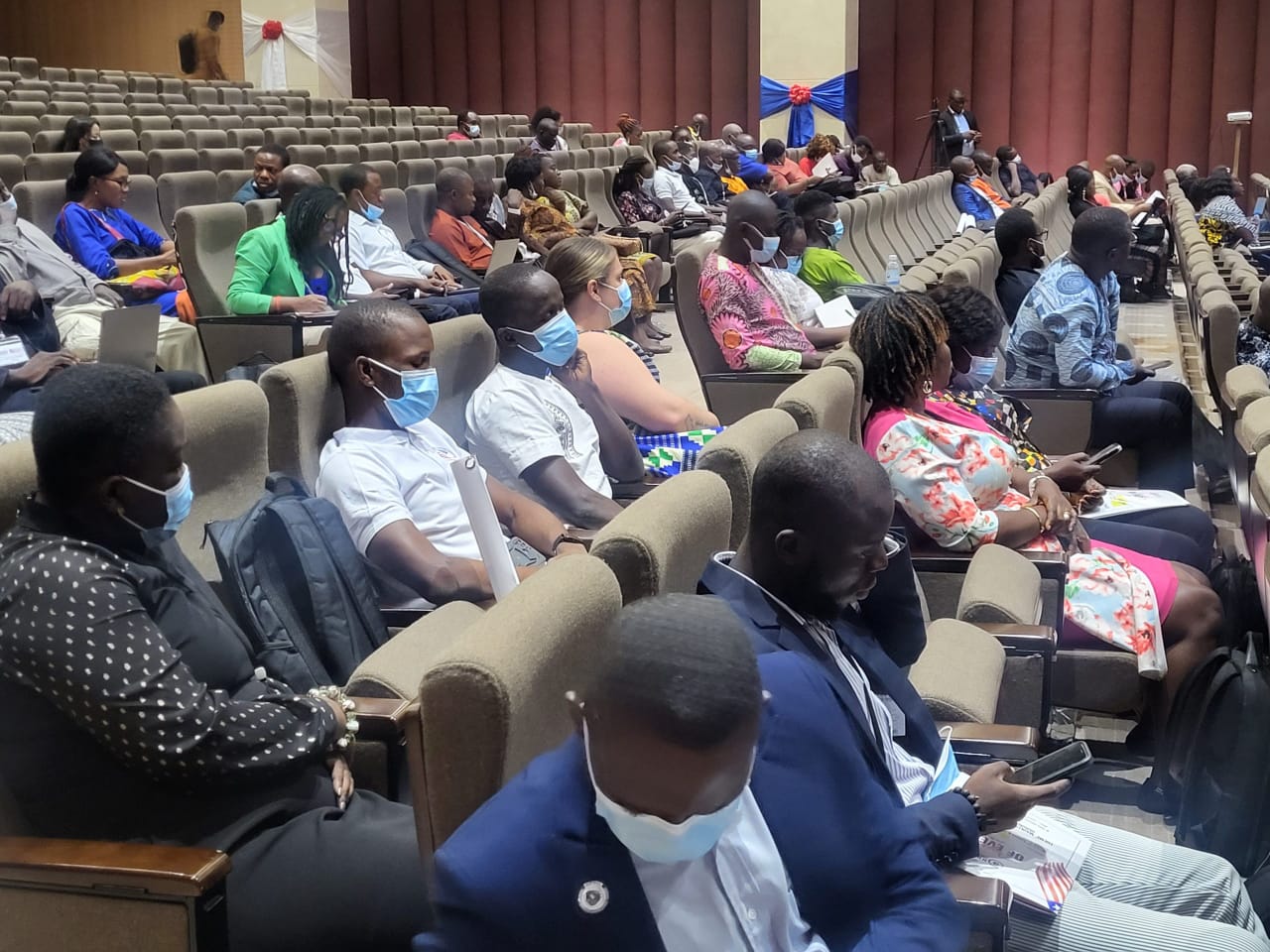
The scientific subcommittee of the 5th Emmet A. Dennis National Scientific Conference invites you to submit abstracts for the conference scheduled for 14th – 16th October 2025.
Theme
Strengthening Health Security in Liberia through Research and Innovation
Abstracts are accepted from fieldwork, programs evaluation and research work in the following thematic areas:
- Maternal and Neonatal Mortality
- Environmental and Occupational Health
- Substance Abuse and Mental Health
- Non-Communicable Diseases
- One Health Workforce Development
- Surveillance Systems
- Zoonotic Diseases
- Outbreak Investigation and Response
- Communicable Diseases
- Vaccine Preventable Diseases
- Laboratory System & Testing Capacity
- Climate change, Disaster and Health
- Cross-border surveillance and Collaboration
- Monitoring and Evaluation
- Health Information system
HOW TO SUBMIT AN ABSTRACT FOR EADNSC 5.0
Step‑by‑Step — Submitting an Abstract to the Oxford Abstracts event portal
1. Rules for abstract submission
- Abstracts cannot be revised after the submission deadline.
- Please read all submission requirements carefully before submitting your abstract.
- The presenting author must be listed as the first author.
- The presenting author is responsible for ensuring that all co-authors have reviewed and approved the abstract before submission.
- Abstracts must present original, unpublished work.
- Abstracts that have been previously presented or published will not be accepted.
- All abstracts must be written in clear and accurate English suitable for publication.
- The submitting author will receive all official correspondence concerning the abstract.
- Abstracts to be submitted should be for activities/work done within the last 2
2. Create (or log in to) your Oxford Abstracts account
- Go to https://app.oxfordabstracts.com/stages/83192/submitter and choose “Create an account” (or “Sign in” if you already have one).
- You can register with email, Google, or LinkedIn. If you use email, supply your address, a password (≥8 chars, incl. one letter + one number), and your name, then click Create Account.
- Open the verification email that is sent automatically, click Verify, and then sign in.
- From now on you can reuse these credentials for any Oxford Abstracts event.
3. Navigate to the event submission page
- The page will load the event “dashboard” for submitters; look for a button such as “Start a submission”, “Make a submission”, or “New abstract”.
4. Start your new submission
Click the start button. A multi‑section online form will open. Required items are marked with an asterisk (*). You can jump between sections with the panel on the left, but you will not be able to finish until every required field is complete.
5. Enter Title & Abstract text
- Paste or type the title in the Title field.
- Paste or type the abstract into the Abstract rich‑text box (Mix. 300 words). You can format text, create lists, insert tables or images using the toolbar that appears above the box.
- Watch the built‑in word/character counter to stay within the event’s limits.
6. Add Authors & Affiliations
Use the Authors / Affiliations section to list every author in the order requested by the organiser. Indicate who will present (often a checkbox labelled Presenter). Affiliations usually autocomplete once you type them once, saving you time.
7. Complete event‑specific questions
Scroll to the final part of the form. Here you may have to pick:
- Presentation format (oral, poster, rapid‑fire, etc.)
- Theme, track, or keyword set
- Ethical‑approval or conflict‑of‑interest acknowledgements
- Declaration tick‑boxes (e.g., “I confirm this is original work”)
Note: Answer every mandatory question; otherwise the system marks the submission Incomplete.
8. Save, review, and finalise
- Click Submit. If mandatory fields are missing or the abstract exceeds the word limit, a pop‑up error appears and the record is saved as Incomplete.
- Use Save & Exit (or simply Submit again) to store a draft and return later. Your personal dashboard lists every draft with its status.
9. Confirm successful submission
- A green banner stating “Complete” appears beside the abstract on your dashboard once all requirements are satisfied.
- If the organiser has automatic emails enabled, you will also receive a confirmation message in your inbox.
- You can still return and edit the abstract while the submission window remains open—unless the organizer has disabled editing after completion.
10. Log out—or start another abstract
Use the OA logo at the top left to return to the dashboard. From here you can begin a second submission or sign out if you are finished.